

This article explains how to correct your CARMIS setup if you are seeing another user’s name when logging into CARMIS. This usually happens if different login credentials were used in the Parallels connection when doing the initial setup.
You should use this article if you are trying to log in to CARMIS and notice that the displayed username is not yours, if the computer was previously used by another CARMIS user, or if CARMIS was already installed on the device using Parallels.
By following the steps below, you will delete the existing connection and correctly set up a new one for your account.
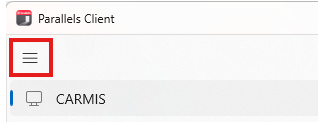
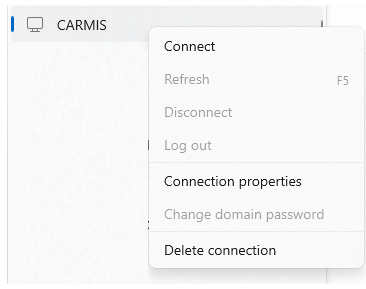
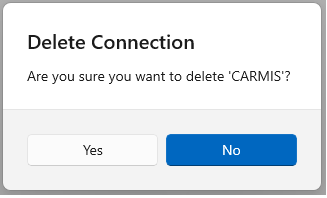
How to Navigate and Delete the Existing Connection

How to Add a New Connection
After deleting the existing connection, you will need to create a new one using the correct setup process.